AI training · Schools
AI Training for Schools in Nepal
Your students are already using AI. The question is whether your teachers understand it well enough to guide them. Practical workshops for teachers, students and school leaders, covering what AI can do in a school, where it goes wrong, and where the academic integrity line sits.
- No technical background needed
- Nepali or English
- Built on your own tasks
- Responsible use in every session
Kathmandu, Nepal · In person across Nepal and online
What does AI training for schools in Nepal cover?
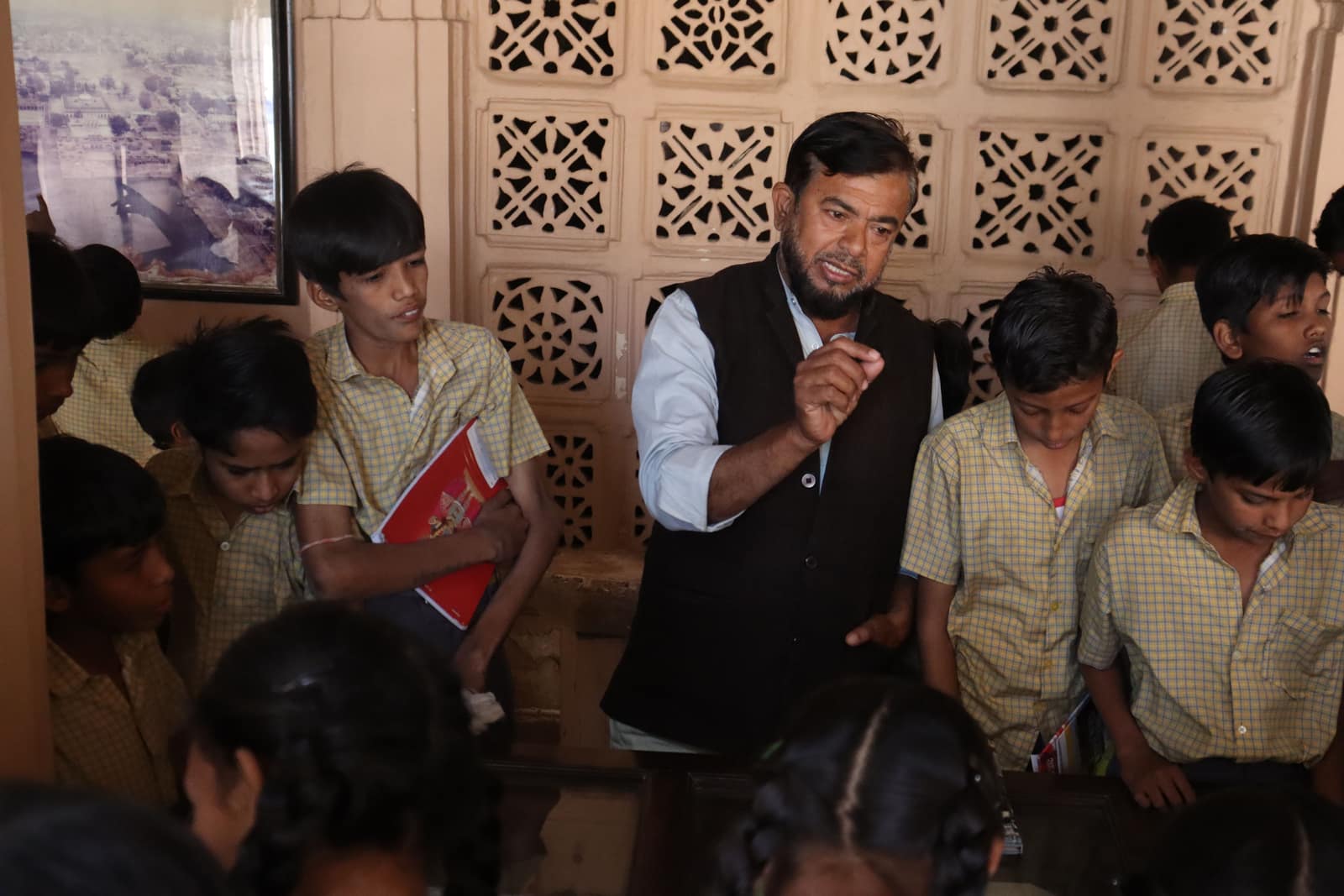
AI training for schools in Nepal covers three groups with different needs: teachers, students and the administration that runs the school. Teachers learn how generative AI tools such as ChatGPT, Gemini and Claude help with lesson plans, worksheets, question banks and differentiated reading material, and how to check that output against the curriculum before it reaches a classroom. Students learn what AI is, how to use it to understand a topic rather than to skip the work, and why a confident answer can still be wrong. Administrators learn to draft circulars, reports and parent communication faster while keeping student records out of public tools. Every group covers academic integrity and responsible use, because a school needs one shared rule rather than 40 teachers each inventing their own. A typical programme is a 90 minute staff seminar followed by half-day hands-on workshops per department or grade band.
- Teacher sessions use each teacher's own subject and grade as the exercise material.
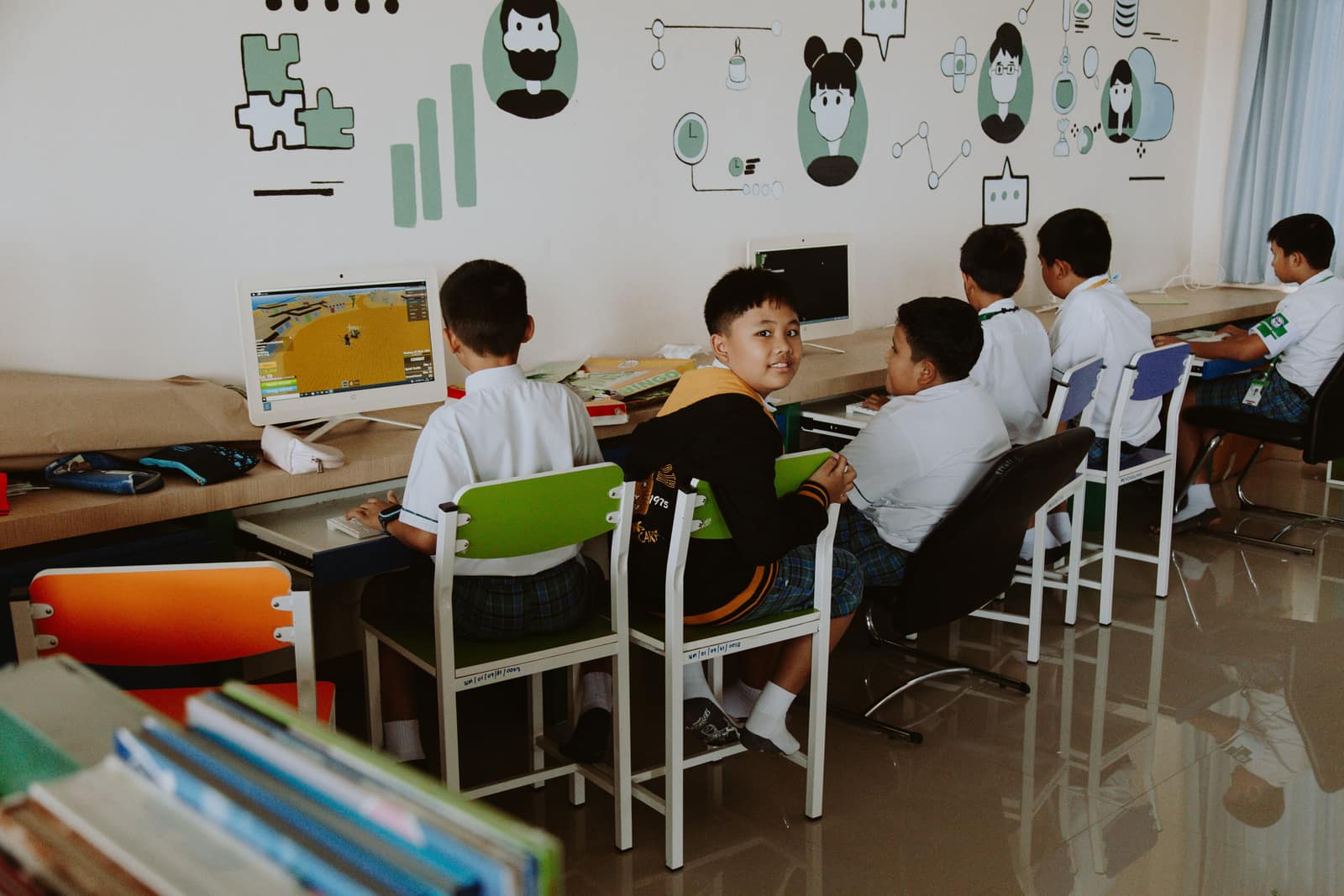
- Student sessions are age-appropriate and focus on learning with AI, not outsourcing work to it.
01 · Why it matters
Why schools need AI training now
Students in Nepal already have AI assistants on their phones. Most schools have no shared position on them, so each teacher decides alone, and students get forty different answers to the same question.
Teachers who understand the tools can use them to prepare material faster and, more importantly, can teach students to use them well. Teachers who don't are left guessing whether an assignment was written by a student or by a model.
AI literacy is also a basic skill now. A student who leaves school knowing how to question a confident answer, check a source and declare their use of a tool is better prepared for college and work than one who was simply told not to use it.
A school doesn't need to ban AI or embrace it. It needs one clear, shared rule, and teachers confident enough to explain it.

02 · Practical use cases
How AI is actually used in schools
Every use case below is practised in the training, on real material, and every one ends with a person checking the result.
For teachers
Lesson planning
Draft lesson plans and activity ideas aligned to the topic, then adjust them to the class.
Teaching materials
Worksheets, reading passages at different levels, and question banks with answer keys, all checked before use.
Explanations and examples
Several ways to explain a hard concept, and local examples students recognise.
Feedback support
Structured feedback comments and rubrics, with the teacher making the final judgement.
For students
Understanding a topic
Asking AI to explain, quiz and test understanding, rather than to write the answer.
Research assistance
Finding starting points and checking every claim against the textbook or a reliable source.
Presentations
Structuring slides and talking points for a project the student has researched.
Checking their own work
Getting feedback on clarity and grammar while keeping the ideas their own.
For administration
Administrative documentation
Circulars, notices, meeting minutes and reports drafted faster.
Parent communication
Clear, polite first drafts in Nepali or English, reviewed before sending.
03 · What participants learn
By the end of the training, participants can…
- Explain what AI and generative AI are, in plain language, to colleagues and students
- Use an AI assistant to prepare a lesson plan, worksheet and question set, and check it against the curriculum
- Spot the common failure types: invented facts, wrong calculations and outdated information
- Apply the school's rule on AI in assignments consistently, and redesign one assignment of their own
- Know what student and staff information must never be entered into an AI tool
- Teach students a simple habit for verifying AI answers
04 · Training curriculum
A starting curriculum, adapted to your school
Modules are selected and re-ordered after the scoping call. A 90-minute seminar covers the first module well; a full programme covers all of them.
01
AI in plain language
What AI, machine learning and generative AI are, and why AI tools sound confident even when wrong.
- How a chatbot produces an answer
- What AI is good and bad at
- Demonstration with deliberate mistakes
02
AI for teaching preparation
Hands-on practice on each teacher's own subject and grade.
- Lesson plans and activities
- Worksheets and question banks
- Reading material at different levels
- Checking output against the curriculum
03
Prompting that works
Giving AI enough context about grade, subject and learners to get usable output.
- Role, context, task and format
- Iterating on a weak answer
- Reusable prompt templates for the staff room
04
Academic integrity
What counts as legitimate help, what counts as misconduct, and how to redesign assignments.
- Why detectors are unreliable
- Declaring AI use
- Process-based assessment
- One redesigned assignment per teacher
05
Responsible AI in a school
Student data, privacy, age limits and bias.
- What never goes into a tool
- Age requirements of common tools
- Bias and representation
- Drafting the school AI policy
06
Teaching students to use AI
Classroom activities that build AI literacy rather than dependence.
- Spot-the-error exercises
- Verify-against-the-textbook routines
- Age-appropriate activities by grade band
05 · Who the training is for
Built for everyone who shapes how AI is used
Principals and school leaders
Setting the school's position on AI and a policy staff can apply consistently.
Teachers
All subjects, from primary to Grade 12, with exercises from their own classes.
ICT and computer teachers
A deeper session on how the tools work, to support colleagues afterwards.
Coordinators and administration
Documentation, reports, circulars and parent communication.
Students
Age-appropriate AI literacy sessions, typically from Grade 8 upward.
06 · Responsible AI
Responsible AI and data, specific to schools
Covered in every session, whatever the format. These are the rules that prevent real damage, so they are practised, not just read out.
Student data stays out
Names, marks, attendance, health notes and family details are never entered into a public AI tool. Exercises use invented or anonymised examples.
Age limits are respected
Many assistants require users to be 13 or older. Younger grades learn through teacher-led demonstration, not personal accounts.
Accuracy is checked
AI-generated questions, answers and facts are checked against the curriculum and textbook before reaching students.
Integrity is fair
No student is accused of misconduct on an AI detector score alone. The school's rule is published before it is enforced.
Bias is discussed
AI tools reflect their training data. Teachers learn to notice stereotypes and missing local context in generated material.
07 · Training formats
Choose the format that fits your timetable
Staff seminar
The whole staff room together: what AI is, what students are doing with it, and the school's options.
Teacher workshop
Hands-on, by department or grade band, built on teachers' own lessons.
Student AI literacy
Age-appropriate sessions for a grade or house, run in class-sized groups.
Term programme
Seminar, workshops and a policy session, spread across a term so practice happens between them.
08 · How the training works
From first call to a working policy
01
Talk to the leadership team
Grades, subjects, devices, connectivity, and what the school already allows.
02
Adapt the curriculum
Exercises built from your textbooks and timetable, in Nepali or English.
03
Deliver
Staff seminar first, then teacher workshops, then student sessions if wanted.
04
Leave a policy draft
A working AI policy and a set of prompt templates for the staff room.
Straight answers
The questions schools ask first
How can teachers handle AI and academic integrity in a Nepali school?
Teachers handle AI and academic integrity best by redesigning a few assignments rather than trying to detect AI use. AI detection tools produce false positives often enough that accusing a student on a detector score alone is unfair, and several detector vendors say as much in their own documentation. A more reliable approach has 3 parts. First, the school publishes one clear rule for each type of work: where AI is allowed, where it must be declared, and where it is not permitted, such as in-class tests. Second, teachers shift some marks toward process, asking for outlines, drafts, sources and a short oral explanation of the work. Third, classes practise using AI openly, for example asking a model to explain a concept and then checking its answer against the textbook. Students who have seen AI make mistakes in front of them are far more careful about copying it.
At what age should school students in Nepal start using AI tools?
School students in Nepal should start learning about AI earlier than they start using AI accounts on their own. Most major assistants set a minimum age in their terms: ChatGPT requires users to be at least 13, with parental permission under 18, and similar limits apply to other tools. For younger grades, AI literacy works well without any student accounts, with the teacher demonstrating a tool on a projector and the class discussing what it got right and wrong. From around Grade 8, supervised hands-on use becomes practical, with tasks such as generating quiz questions on a topic and then checking them. By Grades 11 and 12, students preparing projects and applications benefit from explicit training in research, citation and verification. The school sets the policy, and parents should be told what tools are used and why.
Why train with Arjun
Experience in education, technology and AI, not only slides.
Nepali classrooms, Nepali-language content and low-bandwidth schools are not theory here: they are what the platforms below were built for. Every claim links to the page that evidences it.

Five LMS platforms for Nepali schools
Led delivery of five LMS platforms for K-12 schools and PSC/TSC exam candidates, with teacher dashboards, Nepali-language content and low-bandwidth design.
LMS case studyEducation sector clients
Digital systems for USEF Nepal, the Fulbright and EducationUSA affiliate, and UWS Nepal.
USEF Nepal case studyComputer science and research
B.Sc. CSIT from Tribhuvan University and peer-reviewed computer vision research.
PublicationAI in daily practice
Production AI workflows on n8n and the Claude API, so the examples come from systems that actually run.
AI automation case study
Related resources
Related training, courses and services
From the blog
FAQ
AI training for schools: frequently asked questions
Is the training for teachers or for students?
Both, usually in that order. Teachers go first, because students will ask them questions about AI the next day. Student sessions follow, adapted to age. Many schools also add a short session for coordinators and administration staff, who handle circulars, reports and parent communication.
Do teachers need technical knowledge?
No. The workshops assume no programming and no prior AI experience. Teachers need a phone or laptop, an account on a free AI assistant, and one real task they would normally do by hand, such as a worksheet or a lesson plan for next week.
Does the training work in Nepali?
Sessions can be delivered in Nepali or English. The exercises also test how well current AI tools handle Nepali-language content, which is uneven, so teachers learn where the tools are reliable for Nepali material and where they need to check more carefully.
What if our school has limited internet or few computers?
The training adapts. A seminar needs only a projector and one connection. Workshops can run with participants sharing devices or using phones, and the materials are designed to work on low bandwidth, a constraint learned from building LMS platforms for schools across Nepal.
Can you help us write a school AI policy?
Yes. A school AI policy covers which tools staff and students may use, what counts as misuse, how AI use is declared in assignments, and what student data must never be entered into any tool. The workshop can produce a working draft for the leadership team to finalise.
Request AI training for your school
Tell me the grades, the number of teachers and what you want to change. I'll suggest a format and send a draft outline built around your school.